
 Selling Guide
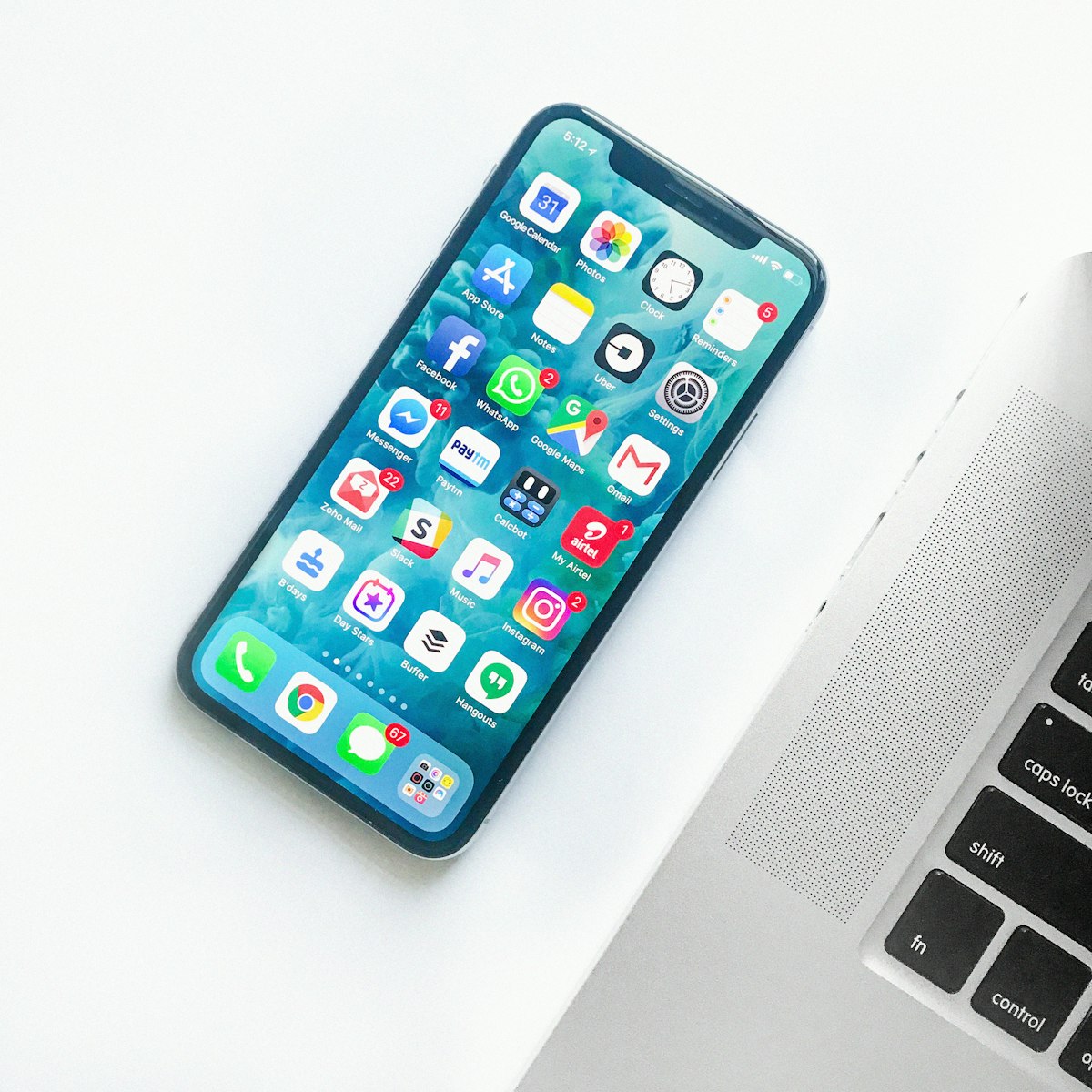
Buyers scroll past listings with dark, blurry, or single photos in seconds. Shoot in daylight near a window, use a plain background, and include at least one photo each of the front, back, sides, and screen powered on.
If there's a scratch, dent, or battery health issue, photograph it too. A buyer who sees the flaw upfront and still messages you is a buyer who won't haggle you down to nothing in person.
"iPhone 13 128GB Blue — Good Condition" will surface in far more searches than "iPhone for sale." Lead with brand, model, storage, and color — the exact terms a buyer types into the search bar.
Before you list, search your model on IdealAssets and note what similar condition phones are priced at. Listings priced within 10% of the going rate get far more messages in the first 48 hours — and the first 48 hours are when most of your leads will arrive.
A quick reply to the first few messages signals a serious seller and keeps buyers from moving on to the next listing. When you do meet, follow IdealAssets' safety basics — a public place, and payment confirmed before handing over the device. See our Safety Tips page for the full checklist.